 EchoScribe
Dictation at your fingertips.
An optional desktop companion for recording, transcription and inserting text. Follow the repository setup instructions.
Downloads & setup ↗SHARE LINKS. UNDERSTAND MORE.
A long article. A website. Text from another app.
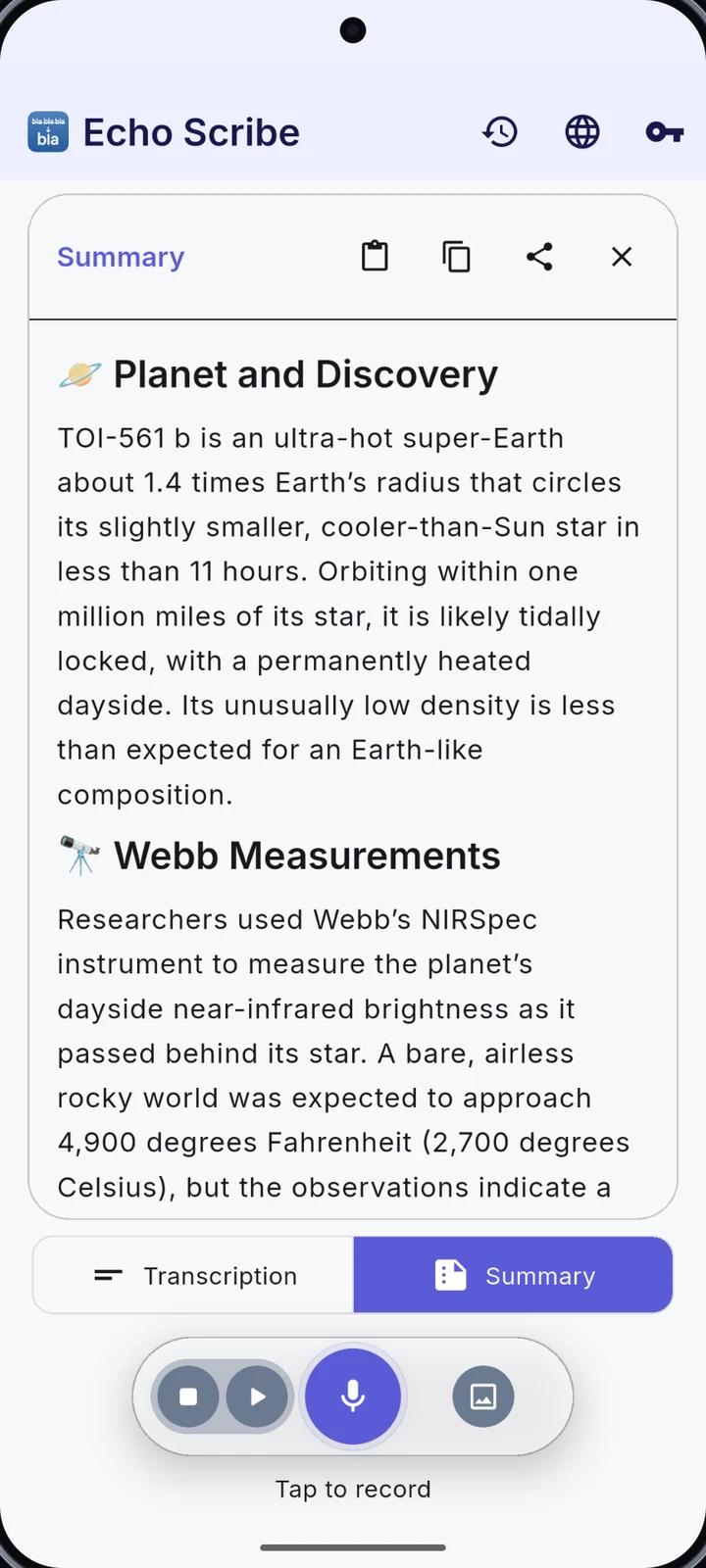
Share it with EchoScribe, then read, translate or listen to the summary.
Your API key. Your provider. No EchoScribe subscription.
Provider API charges apply.
iPhone release in preparation. The tutorial includes real Android and iPhone workflows.
THE CORE WALKTHROUGH
Follow the main workflows in order, or jump to a chapter below. Real Android and iPhone app workflows, English narration and captions throughout. Platform-specific features are clearly labelled.
▶ Play the full tutorial 6:17Choose a feature chapter ↓All videos and captions are served directly by this website.
 10 chapters 6 minutes, 17 seconds
EXPLORE THE APP
Choose a feature. See the screen. Watch it in action.
CORE WORKFLOW / Articles to summaries
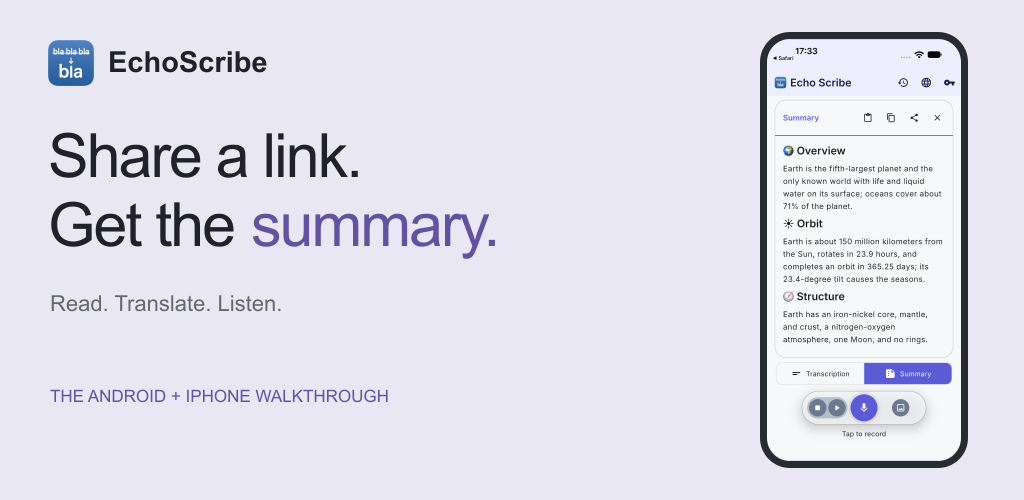
Found a long article? Use your browser’s share action to send its URL to EchoScribe. You can also share or paste text. Create a summary, double-tap to read it full screen, translate it or have it read aloud.
Share a URL or text → Summarize → Read, translate or listen
Watch chapter 37sEnglish · captions included
IPHONE / Share from Safari
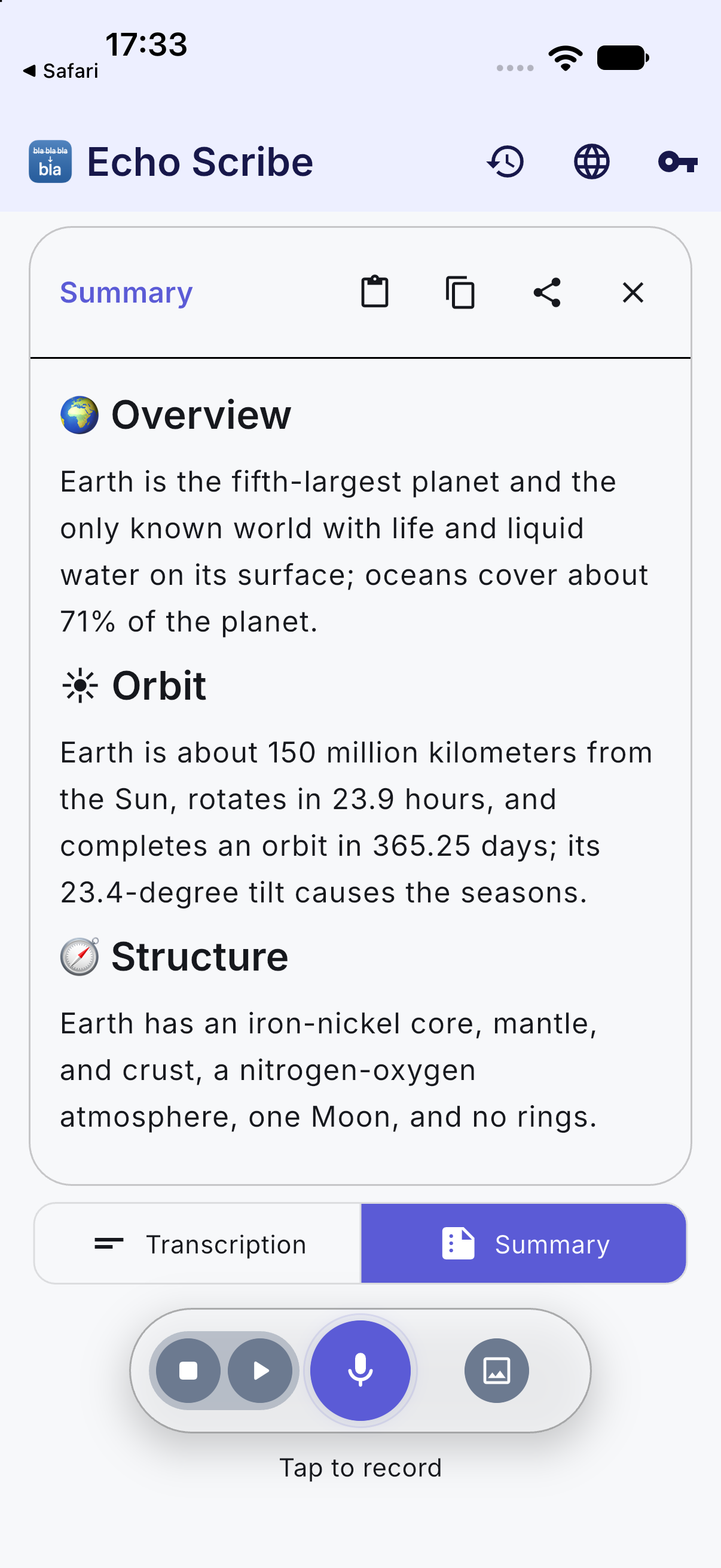
Share an article from Safari with EchoScribe. The native Share Extension passes its link to the app. Approve sharing with your selected AI provider, then read the summary. You can withdraw that provider permission in Settings.
iPhone release in preparation · Keyboard and Floating Dictation are Android only.
Watch the iPhone workflow 48sActual iPhone simulator · English · captions included
FEATURE / Get to know EchoScribe
Share articles and text for clear summaries, then translate, listen or export. EchoScribe also includes recording, transcription and writing tools. Available on Android; the iPhone version is being prepared for release.
Bring your own API key · No EchoScribe subscription
Watch chapter 24sEnglish · captions included
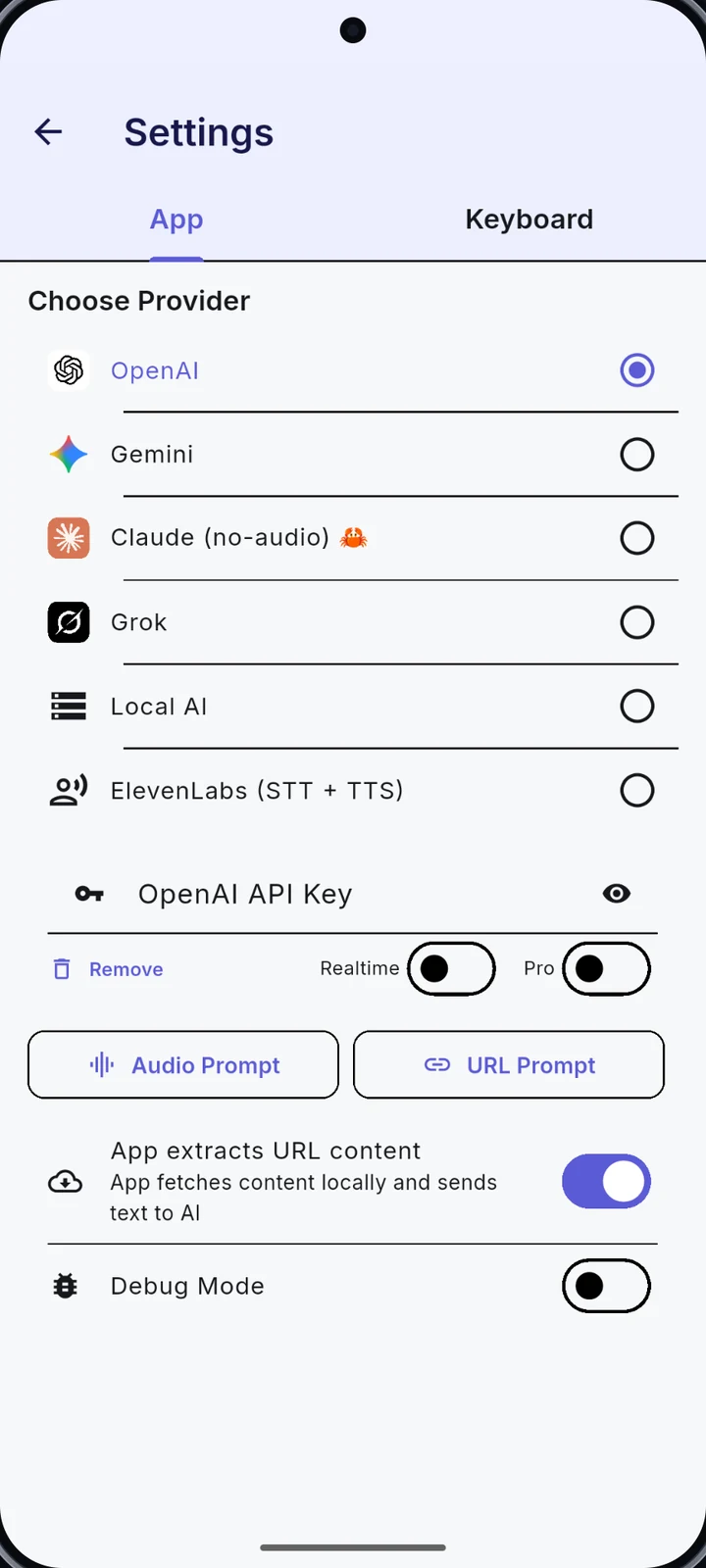
FEATURE / Choose your provider
Connect the providers you want to use, including OpenAI, Gemini, Claude, Grok and ElevenLabs. Available tools depend on your selected provider.
API usage is billed separately by your provider.
Watch chapter 29sEnglish · captions included
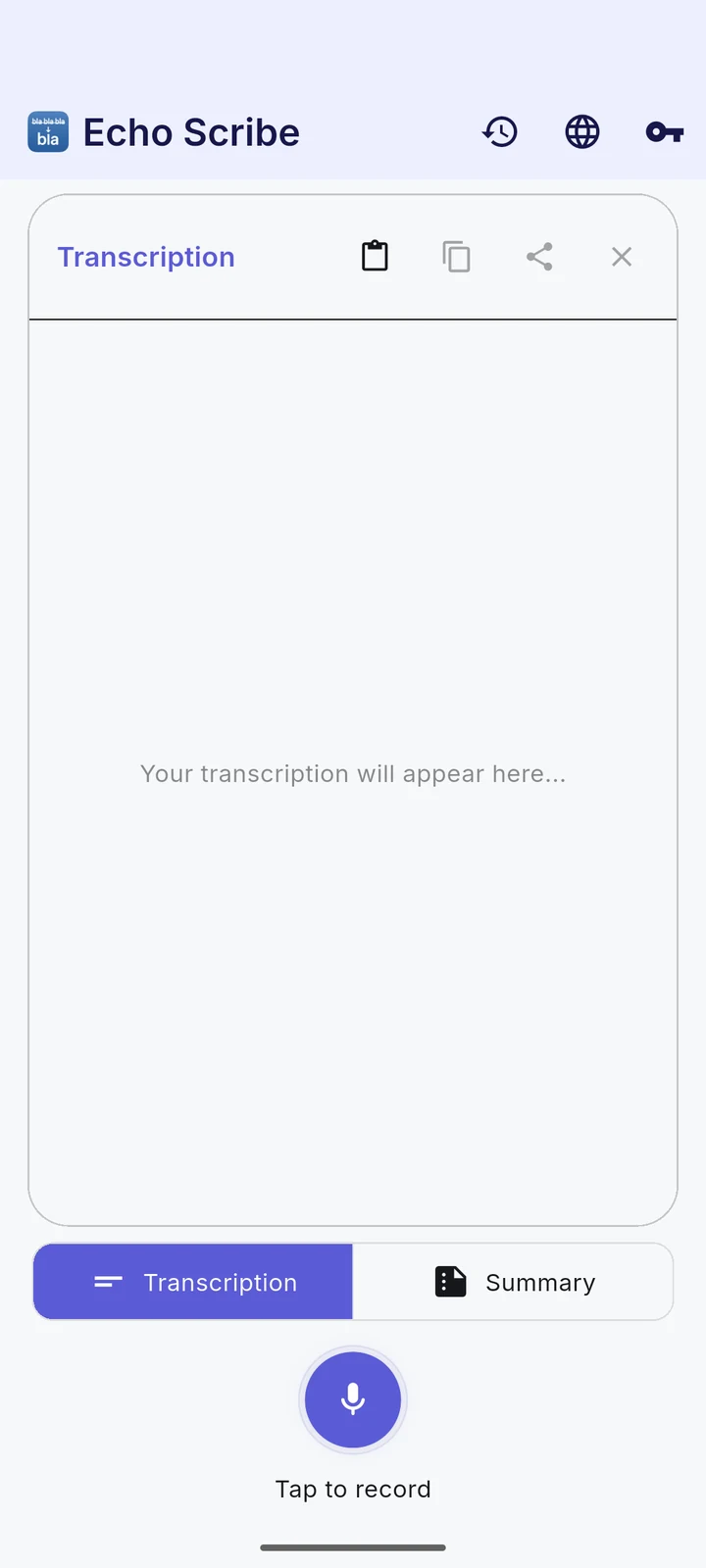
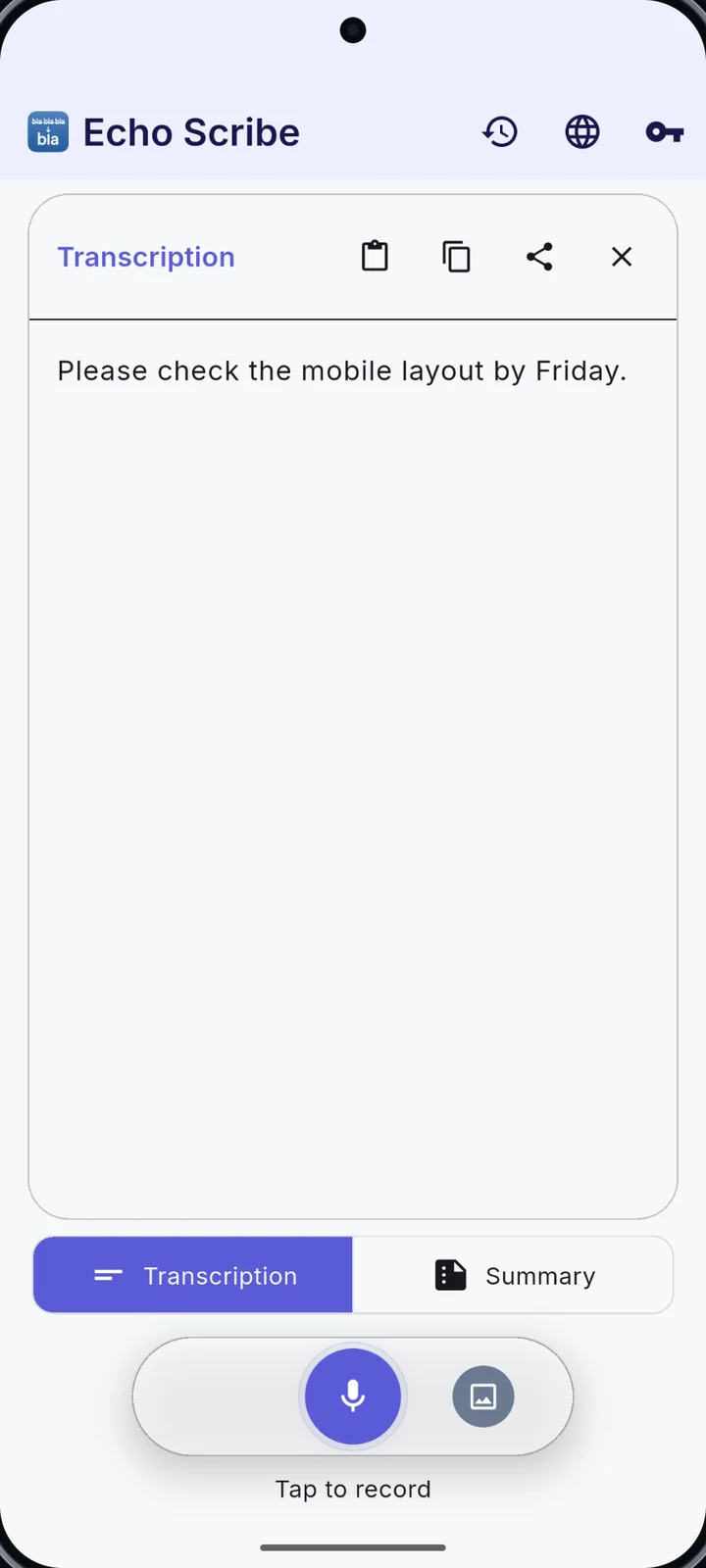
FEATURE / Record your voice
Capture a thought, stop the recording and turn it into a transcript. Keep the words, then copy, share or summarize them.
The demo uses a real, short voice recording.
Watch chapter 35sEnglish · captions included
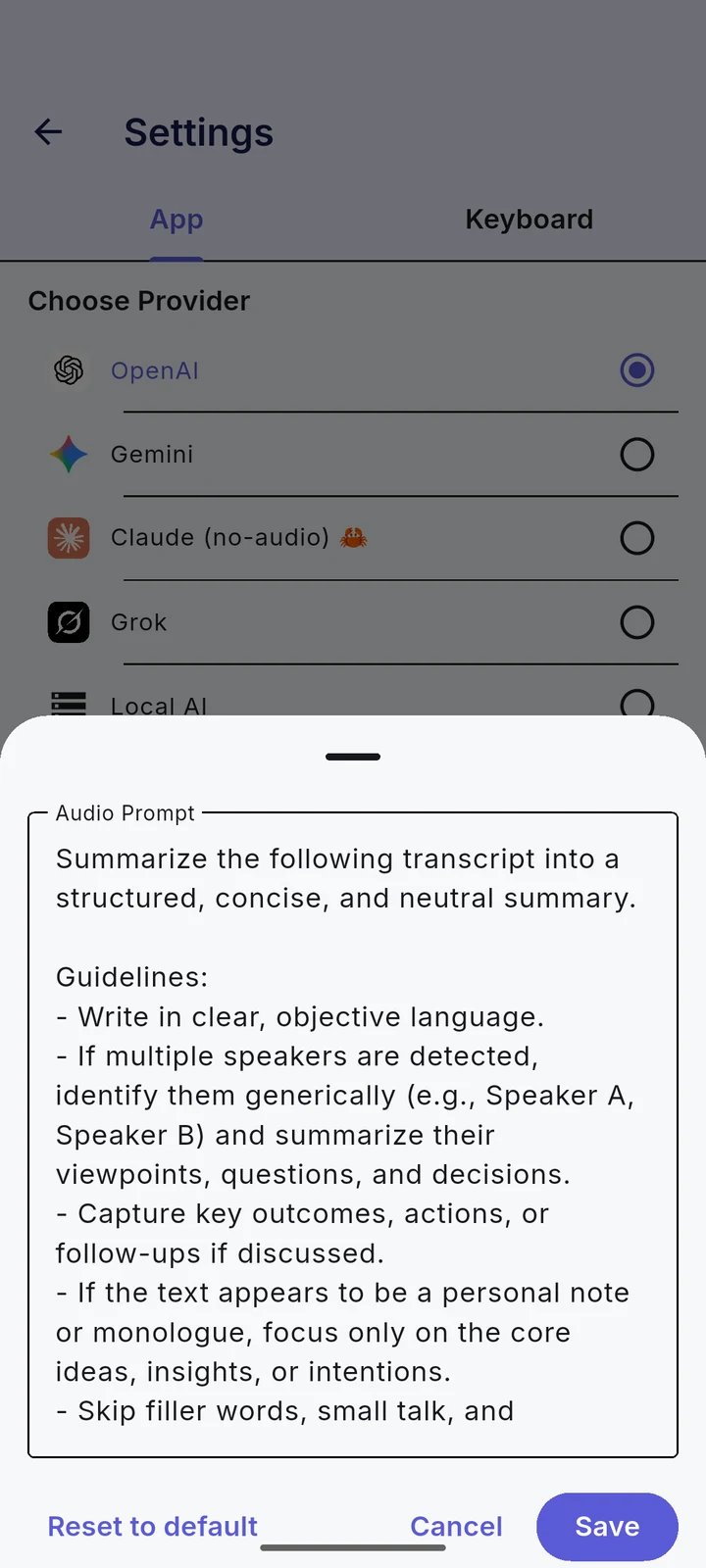
FEATURE / Summaries & custom prompts
Turn shared text, an article or a transcript into a concise summary. Edit the URL/text or audio prompt to ask for the structure you need, such as key points or action items.
Your instructions guide the result.
Watch prompt customization 48sEnglish · captions included
FEATURE / Import audio & text
Bring an audio file into EchoScribe or paste existing text. Continue with the same transcription, summary and writing tools.
Audio files and pasted text, in one workflow.
Watch audio become a picture 38sEnglish · captions included
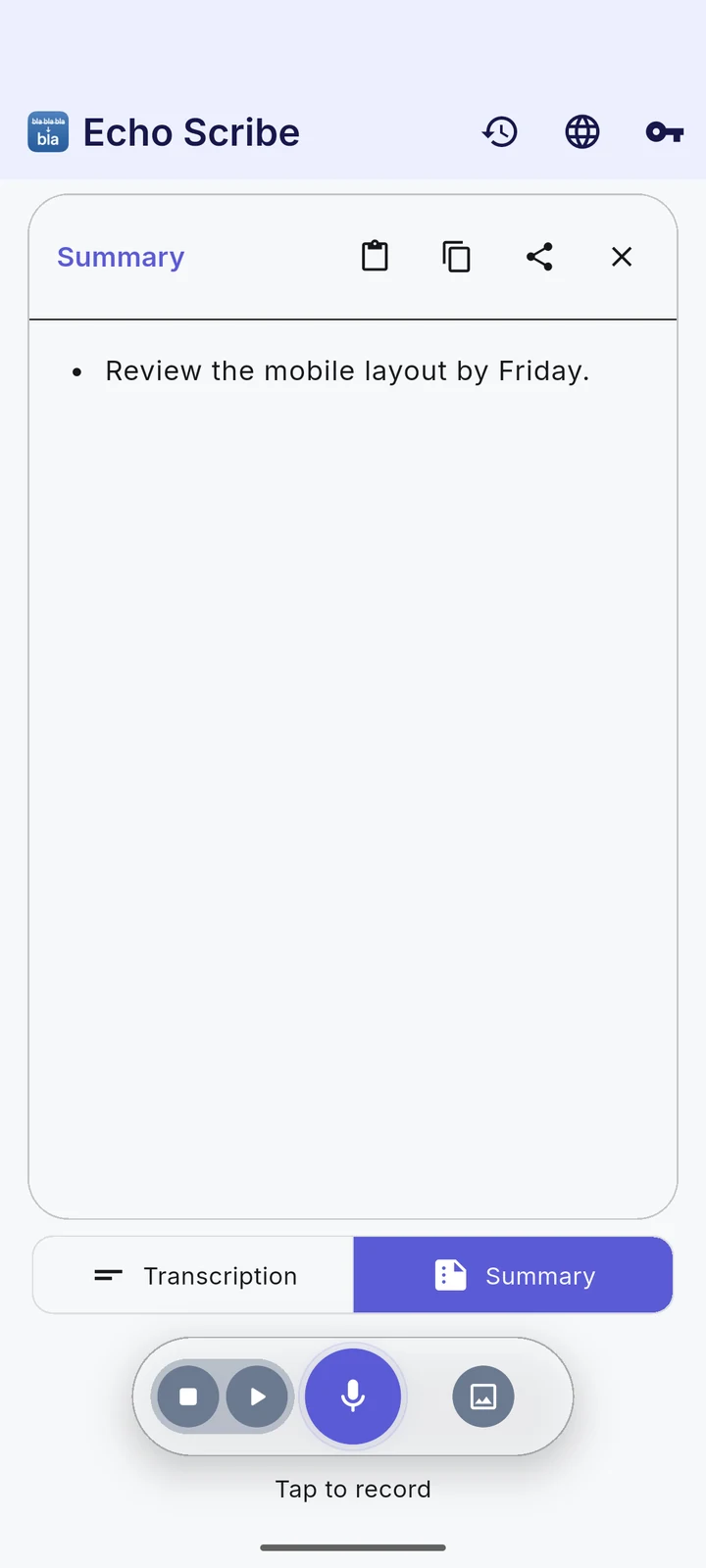
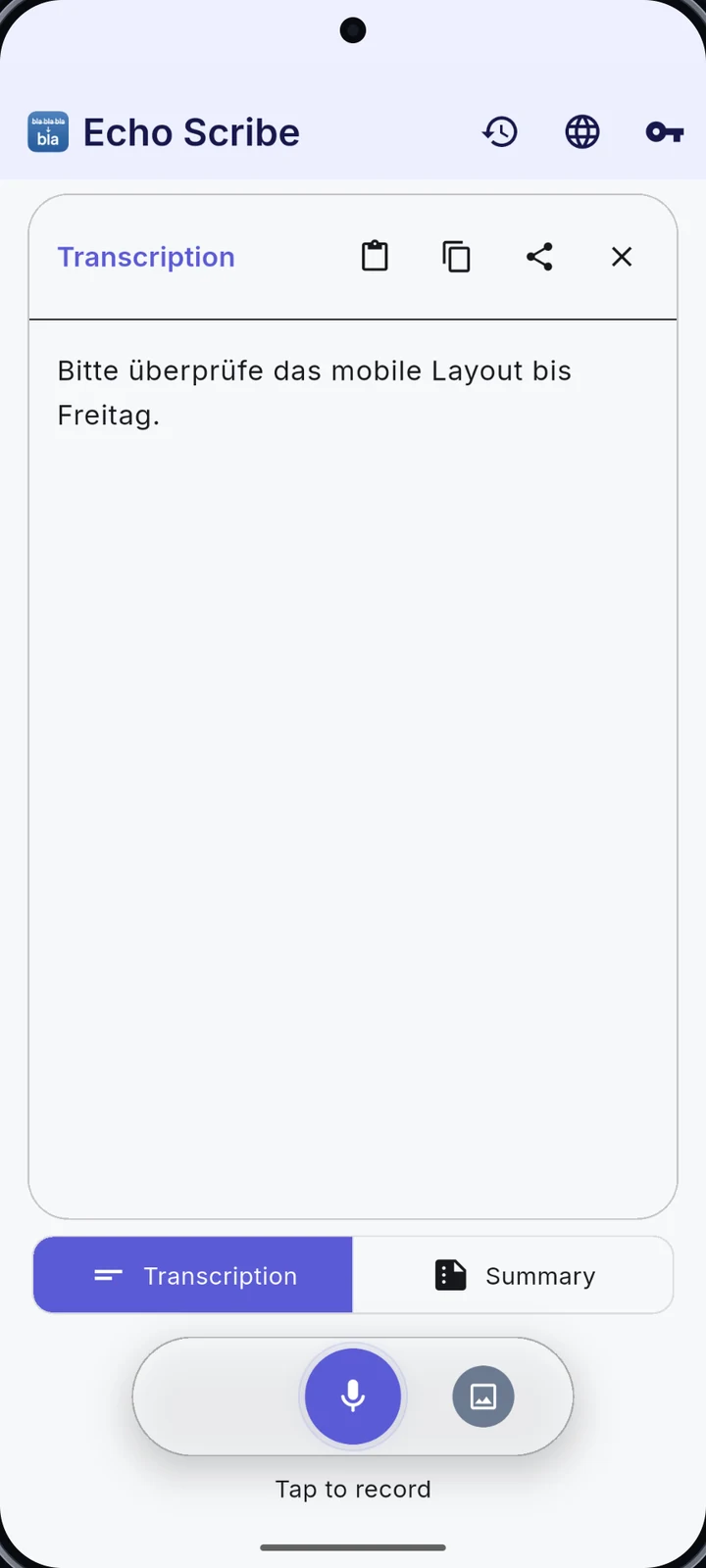
FEATURE / Translate your text
Choose a target language and translate your text with your configured provider. Review the result and share it when you are ready.
One thought. Another language.
Watch chapter 39sEnglish · captions included
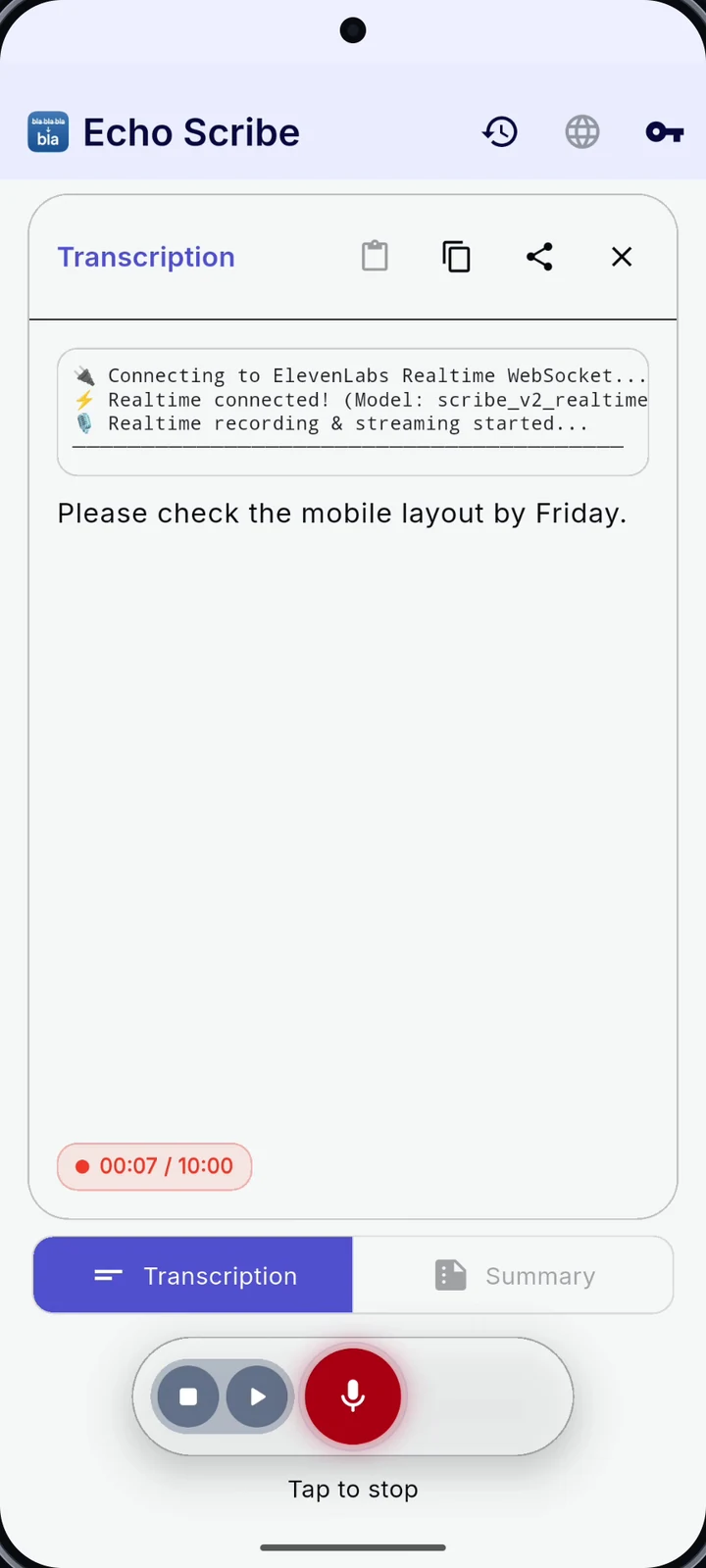
ORIGINAL TUTORIAL / Realtime transcription
Enable a supported realtime provider and watch the transcript appear during recording. Useful for keeping an eye on what has been captured.
Provider support and availability vary.
Watch original Android chapter 24sOriginal Android chapter · English · captions included
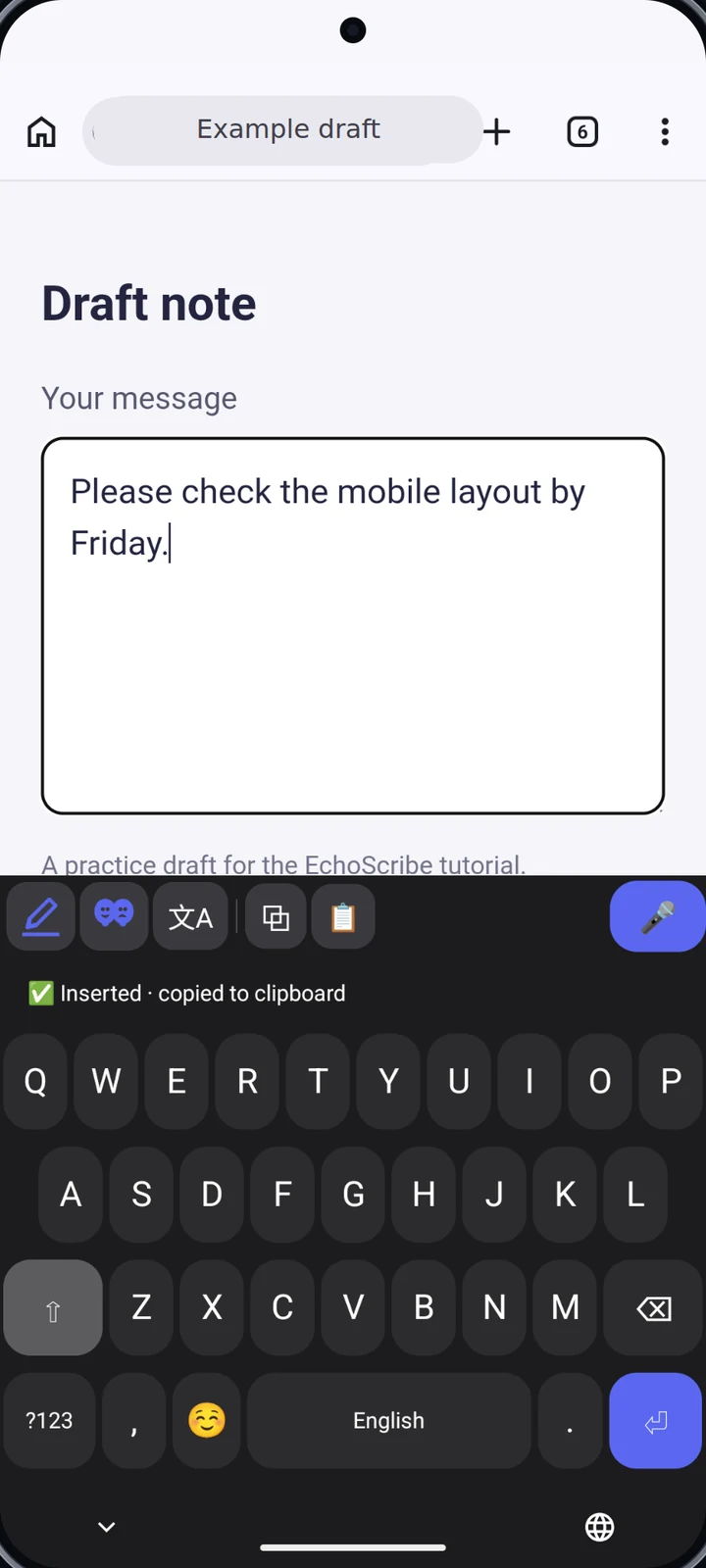
FEATURE / The EchoScribe keyboard
Enable the EchoScribe keyboard and dictate into a text field. Switch between typing and voice without moving your draft into another app.
An Android keyboard with dictation built in.
Watch chapter 51sAndroid only · English · captions included
FEATURE / Floating Dictation
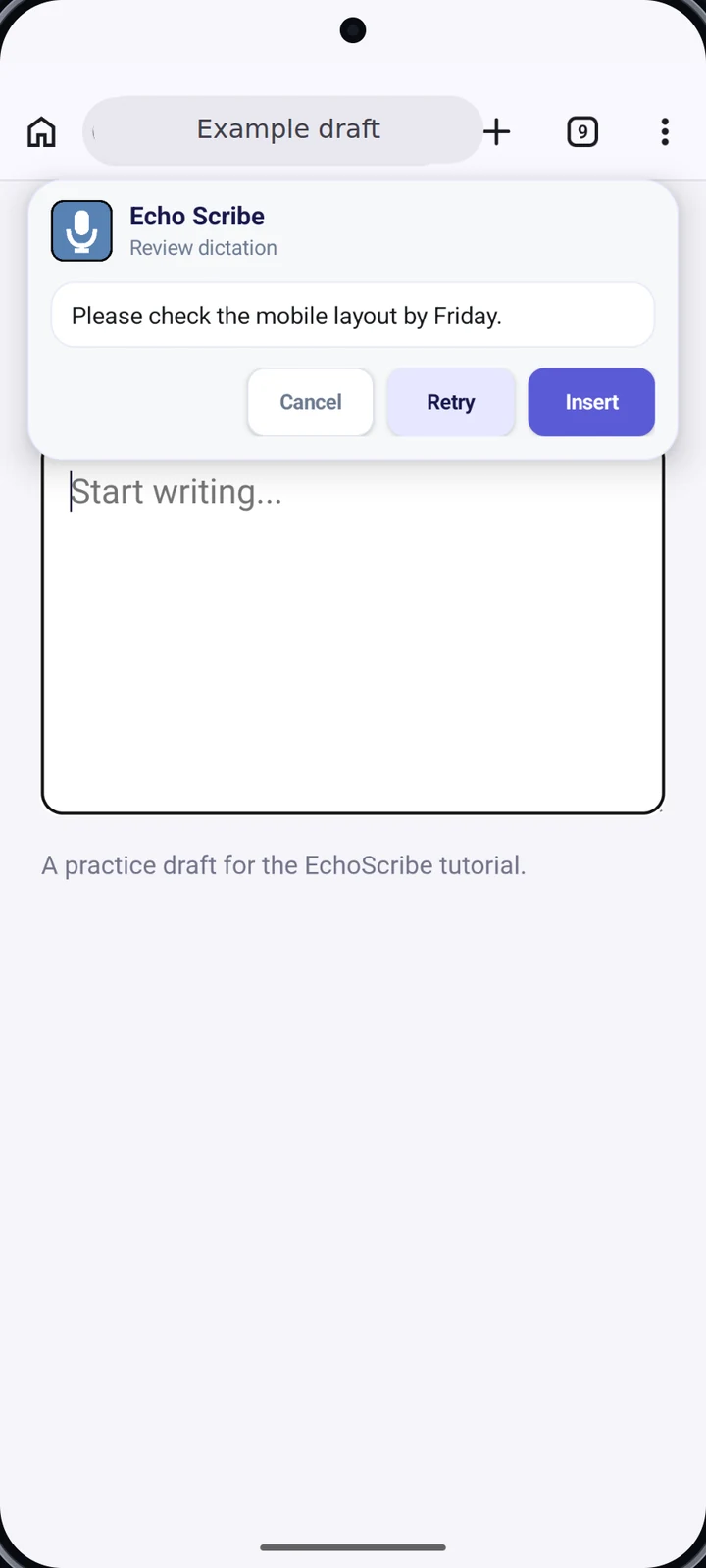
Use the floating microphone in supported text fields. Record, review the transcription, then tap Insert to put it into your draft.
Optional overlay and Accessibility permissions are required.
Watch chapter 51sAndroid only · English · captions included
FEATURE / Listen, share & revisit
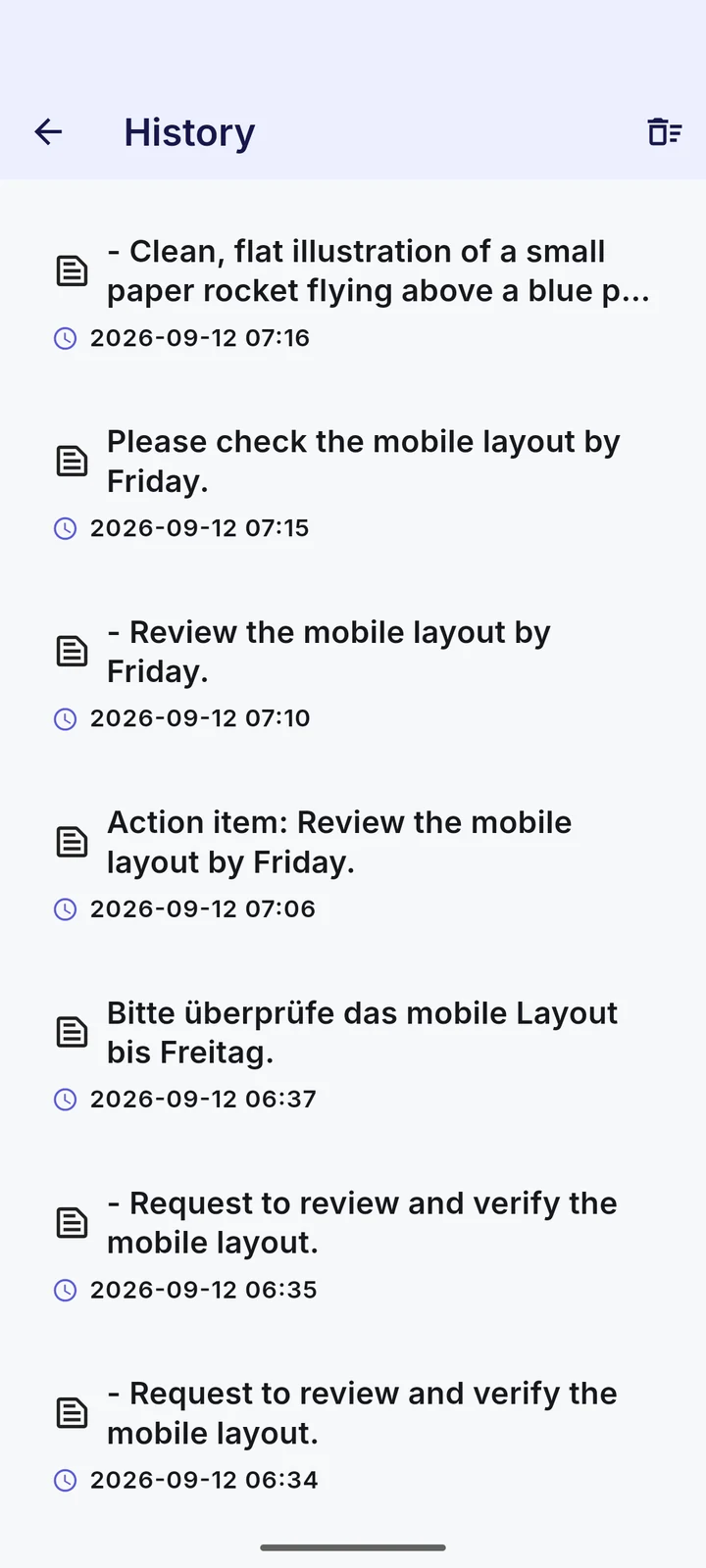
Have a result read aloud, share it with another app or return to a previous entry in your local history. Your work stays easy to revisit.
Read aloud → Share → Local history
Watch chapter 39sEnglish · captions included
FEATURE / Create images
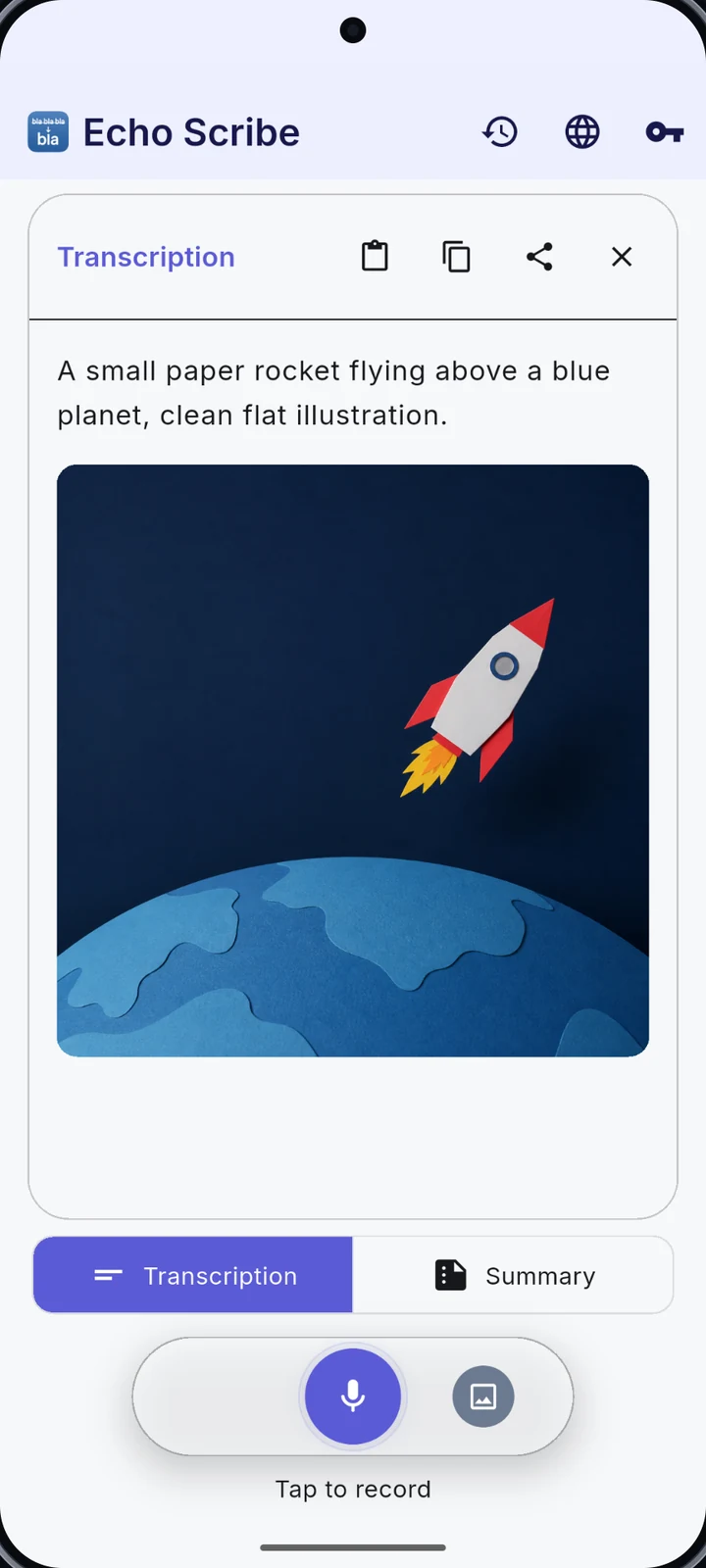
Describe what you have in mind, generate an image with a supported provider, then view, save or share it.
The paper rocket shown here was generated in the app.
Watch chapter 38sEnglish · captions included
ORIGINAL TUTORIAL / Local AI · experimental
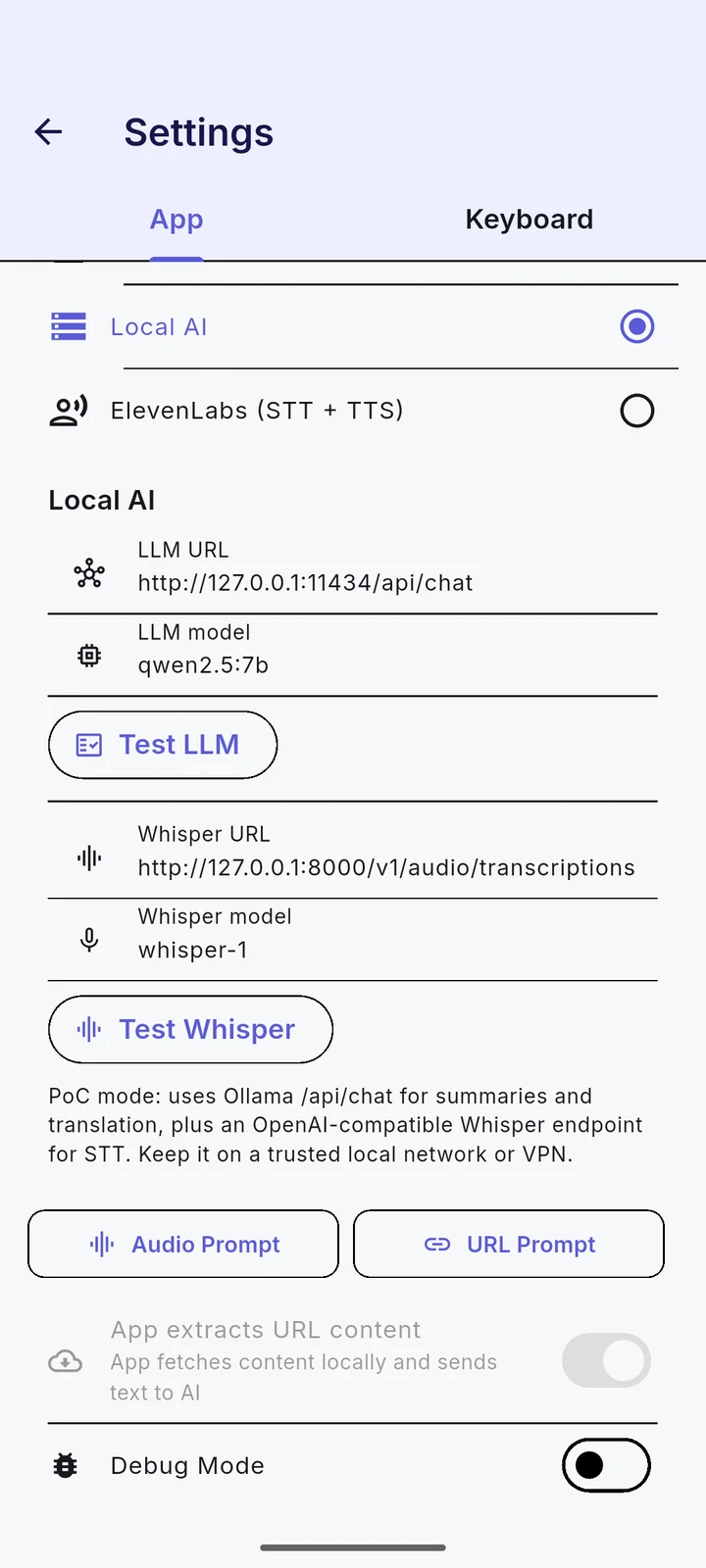
Configure your own compatible text and Whisper endpoints for supported summary and transcription workflows. The model server runs on your computer.
This chapter shows configuration, not a completed local inference.
Watch original Android chapter 23sOriginal Android chapter · English · captions included
A PERSONAL VIBE CODING PROJECT
EchoScribe started as a private vibe coding project. I wanted a tool for myself, and the alternatives I found required paid subscriptions.
So I started building. A transcription tool became a place for summaries, translation, dictation and more. It has grown steadily, one useful feature at a time. The source is open for anyone to explore.
Explore the code on GitHub ↗BEYOND YOUR PHONE
YOUR DATA, EXPLAINED
There is no EchoScribe backend for AI requests. The selected provider processes your requests under its own terms, retention policies and billing settings. Local AI uses the endpoint you configure.
Read the full privacy policy ↗Explore the app at your own pace.